Jump back to the top of any long page with a single shortcut.
Four steps, no setup needed
Add the extension to Chrome, Edge or Firefox.
Search results, articles, docs, forum threads — anything works.
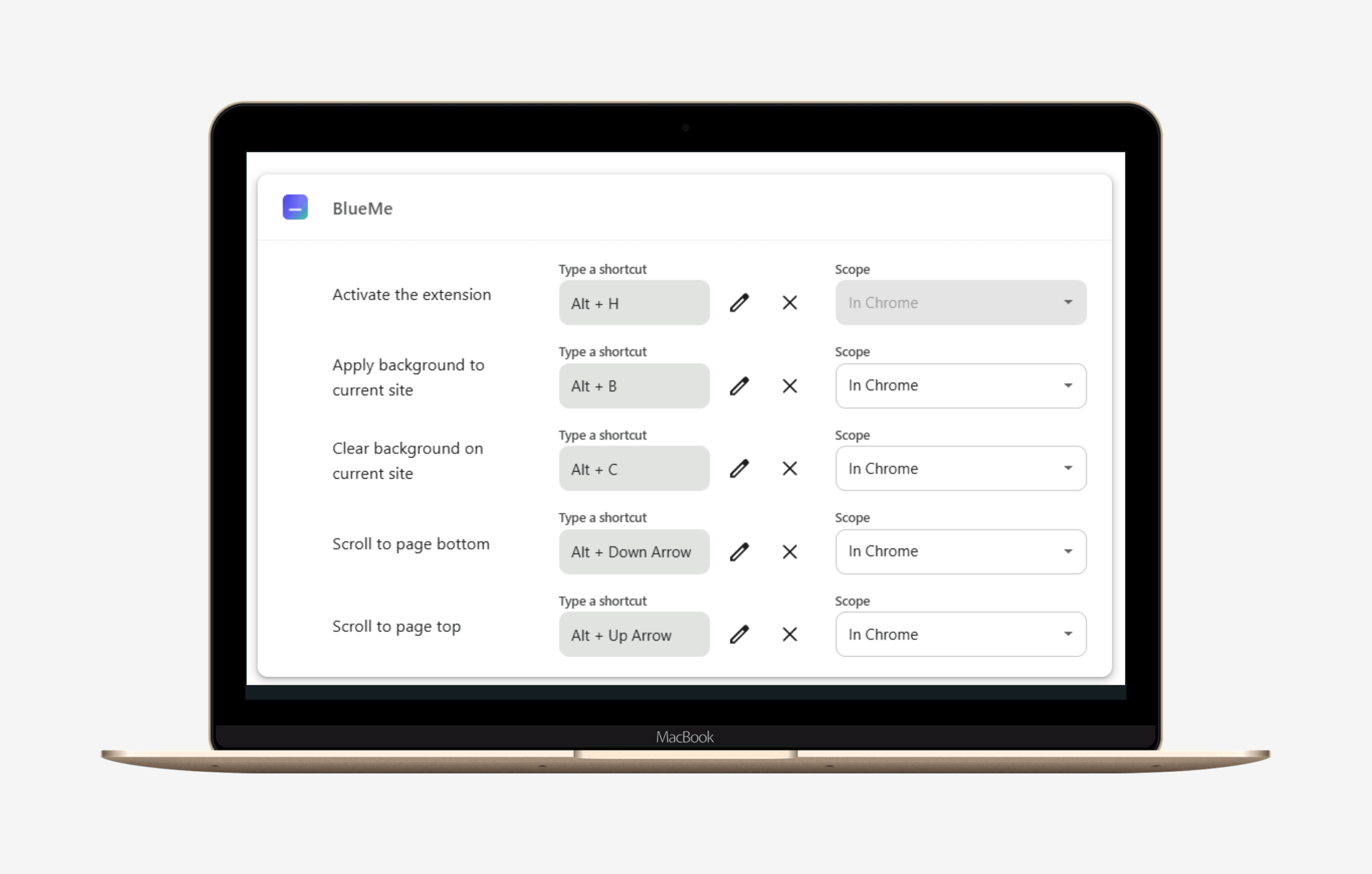
Jump back to the top instantly. Alt + ↓ or J goes to the bottom. Shortcuts are fully customizable — pick the keys you like.
Open the extension → Settings → Shortcuts.
 Blue
Blue

