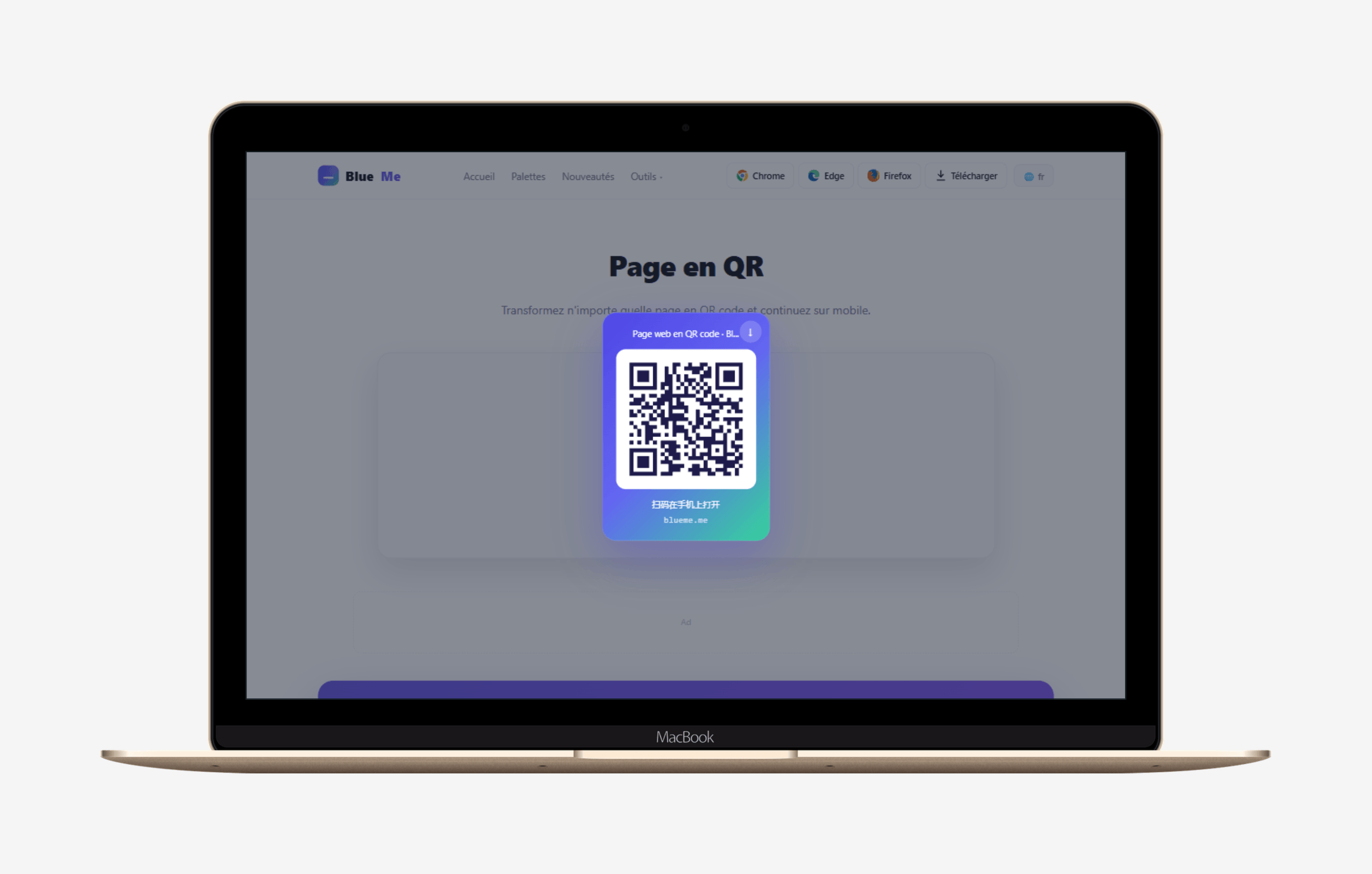
Turn any webpage into a QR code and continue reading on your phone.
Four steps, no setup needed
Add the extension to Chrome, Edge or Firefox.
Articles, docs, video pages, shopping pages — anything works.
Find the BlueMe icon at the top-right of your browser, click it → Settings → Generate QR code.
The current page becomes a QR code instantly. Scan it with your phone to keep reading, or save the image to share.
 Blue
Blue

